The whole family
Follow every generation in a complete, zoomable tree. Choose the view and design that feel right for your family.
A private archive for iPhone & iPad
The people, the stories, and everything that connects them. Build your family tree and keep a little more of every life.
No account needed. No advertising. Yours to keep.


Works offlineStart with the people you know
Private by defaultCloud sync when you choose
Made for bothiPhone & iPad · iOS 15 and later
A place for every connection
Begin with yourself. Add parents, partners, children, and the details you remember. Each connection makes the picture a little more complete.
Follow every generation in a complete, zoomable tree. Choose the view and design that feel right for your family.
Focus on one person, open their relatives, or trace their ancestors. There is always another connection to explore.
Keep parents, partners, siblings, and children together in a quieter close-family view.
More than names and dates
A photograph. A birthplace. A story told at the kitchen table. Keep what you know, and leave room for what you will discover.
People
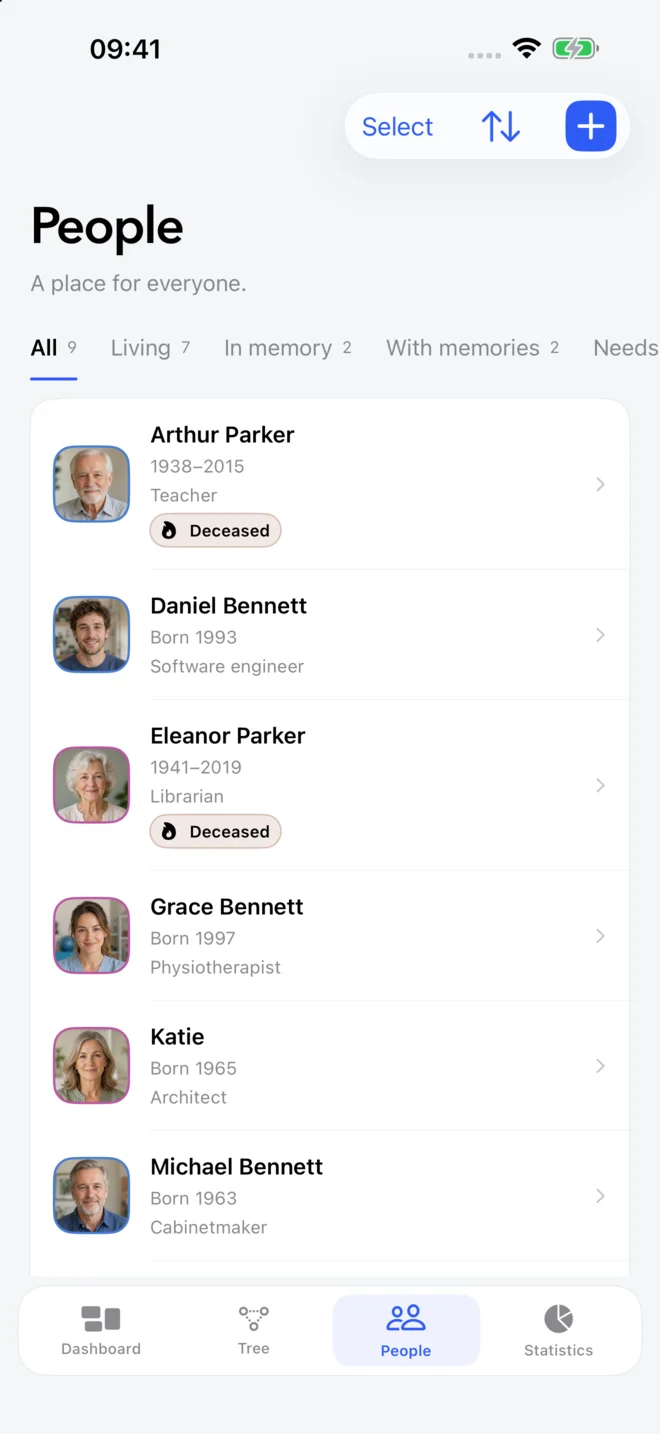
Find relatives in a clear, searchable directory, with photographs and the details that make them who they are.
Memories
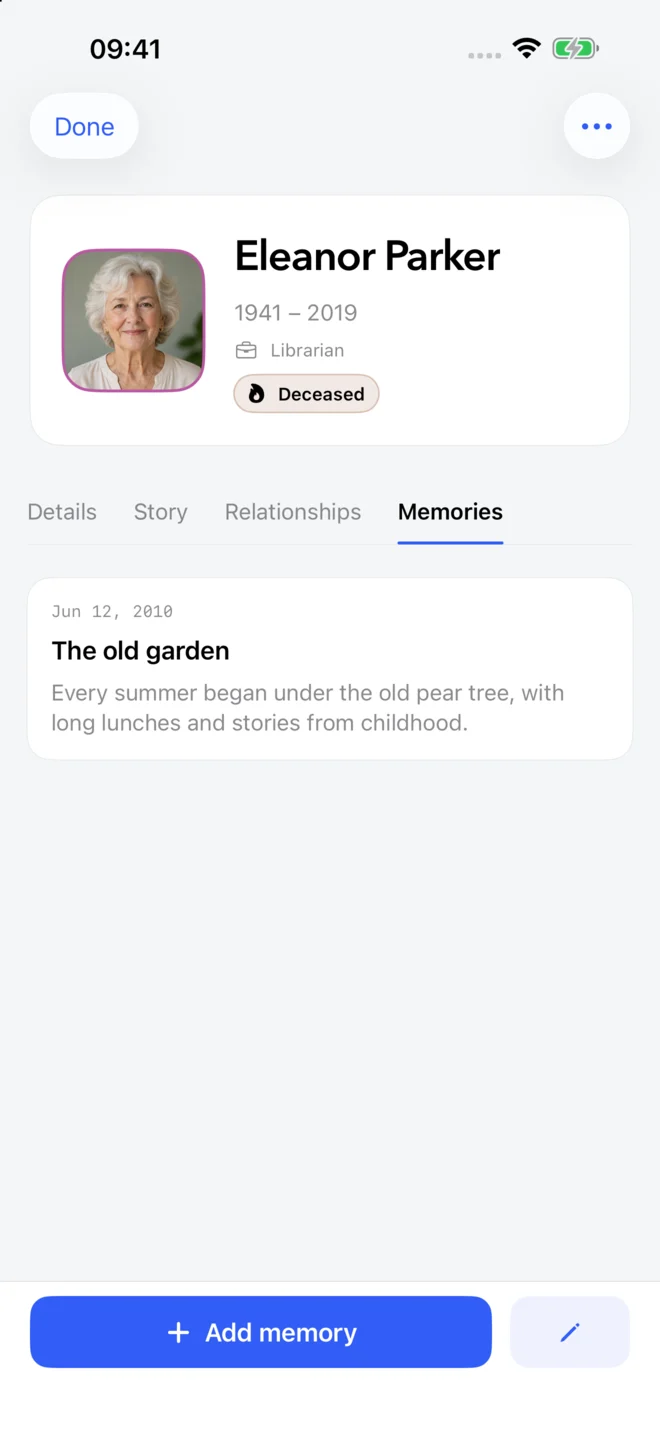
Save life stories and dated memories. Know only the year? Record just that. Your archive grows at your pace.
Discover
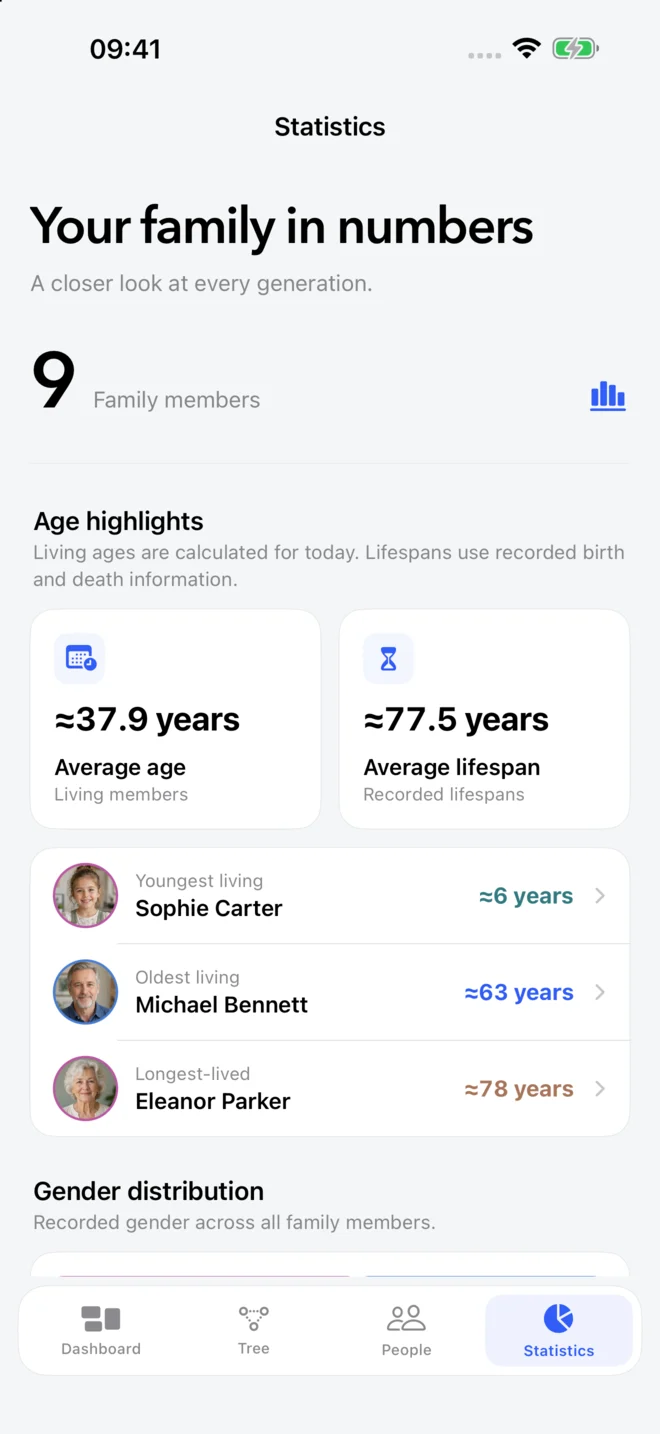
Explore generations, ages, and connections. See the patterns in the family history you have brought together.
Actual app screens, shown with an example family.

Your archive, on your terms
Build and browse your tree offline. No account required, and no advertising between you and your family.
Sign in with Apple or Google for optional cloud sync. Invite a relative to a separate, read-only tree; you stay in control of your own archive.
Export a complete backup with profiles, relationships, memories, and photographs. Keep a copy somewhere you trust.
Your family, your language
Before your first branch
A simple place to begin your family history. Visit support for backup, sync, and sharing instructions.
Yes. Family Tree: Private Archive is free to download on the App Store for iPhone and iPad, with no advertising. It requires iOS 15 or iPadOS 15 or later.
Yes. Add relatives, connect relationships, save photographs, and write memories without an account or internet connection. Your family archive is stored on your device. Sign-in is only needed for optional cloud sync and sharing.
Add yourself and the relatives you know, then connect parents, children, and partners. Add a photo or a short story to each profile. If a birthday is uncertain, enter just the year or leave the date unknown.
Your tree is not a public directory. You can invite someone to view it as a separate, read-only library. They cannot edit your archive, and either person can end access. Learn more about sharing a family tree and privacy.
Yes. Export a complete Family Tree backup containing profiles, relationships, memories, and saved photographs. Keep the file somewhere you trust and restore it when needed. See how to create a backup.
Family Tree organizes the genealogy information and stories you add yourself. It does not search census records, provide DNA matches, or import GEDCOM or CSV files. You can restore backups exported by Family Tree.
Every family starts somewhere
Your free family archive for iPhone and iPad.